 Bloobledoop
Lifts, food, sleep, weight, blood pressure and bloodwork in one app, so you can see how they mess with each other. No account, no email, and it’s all encrypted on your phone before it goes anywhere.
Runs in your phone’s browser. On iPhone, open it in Safari, tap Share, then Add to Home Screen, and it acts like a normal app (offline too).
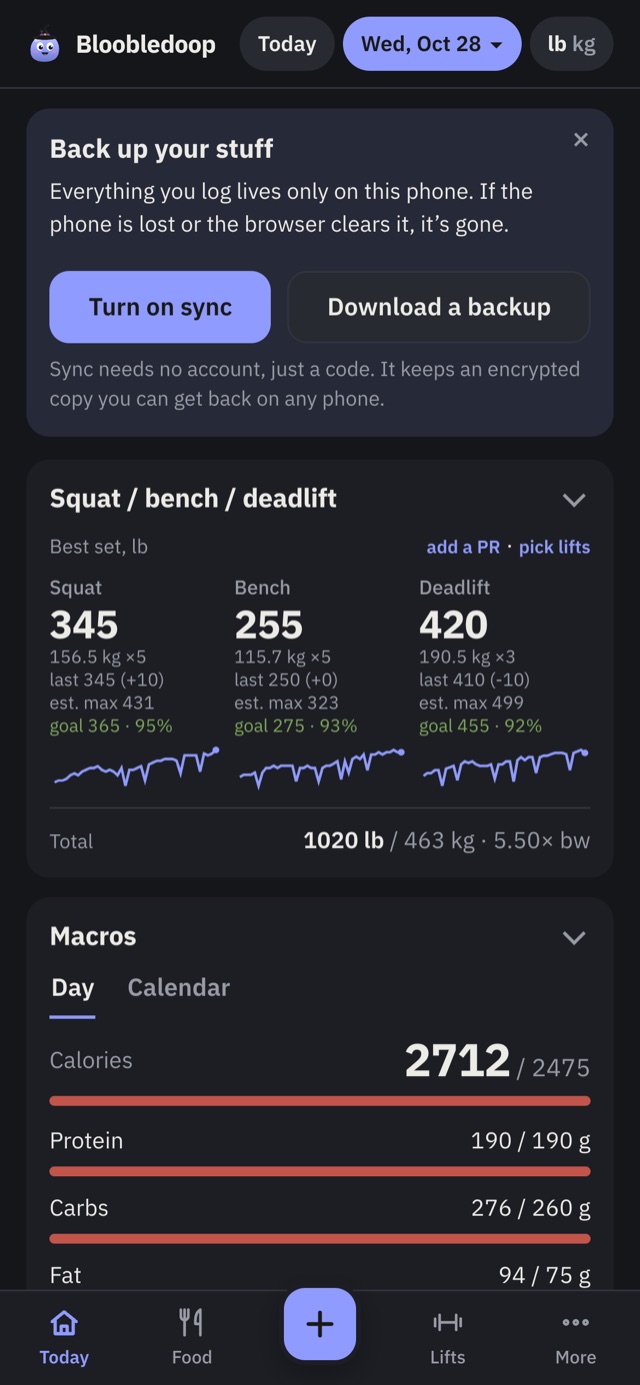
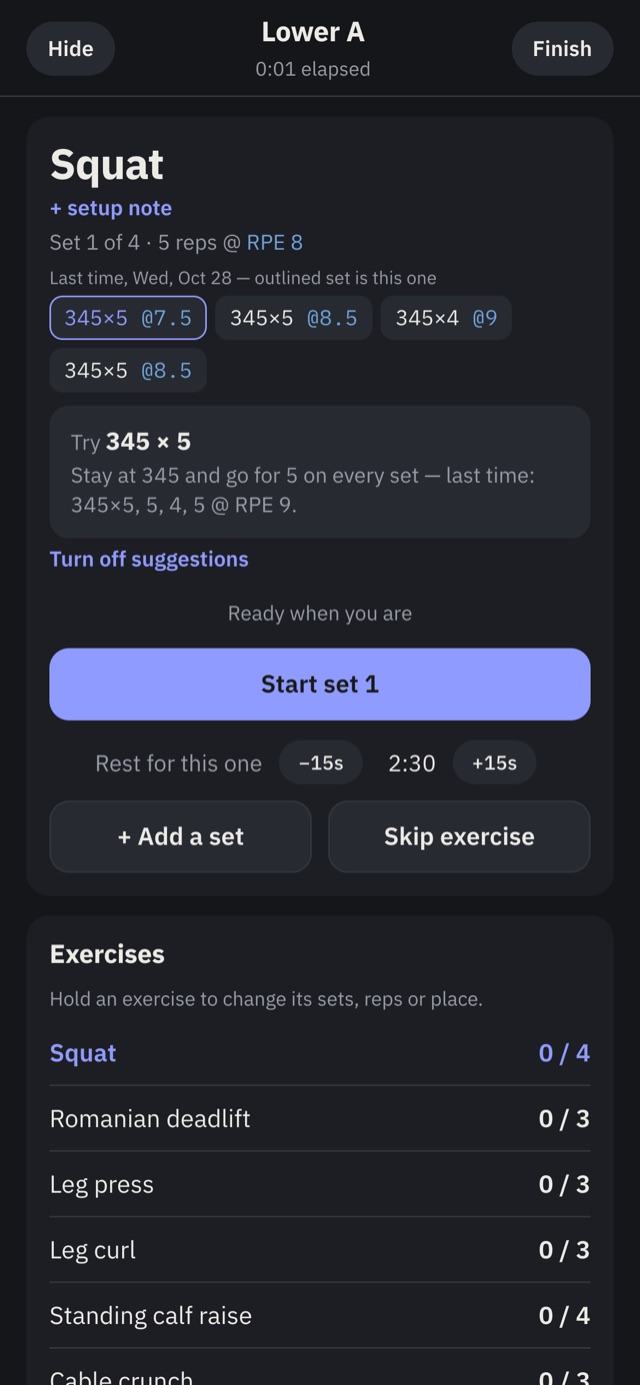
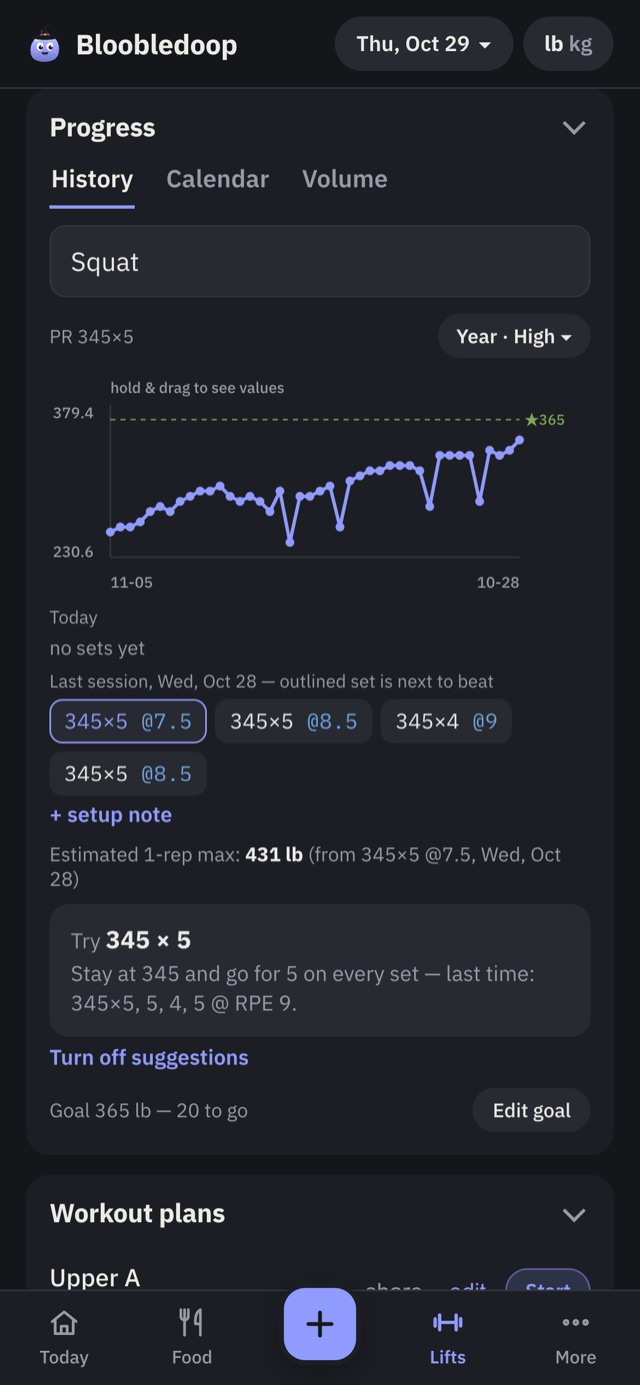
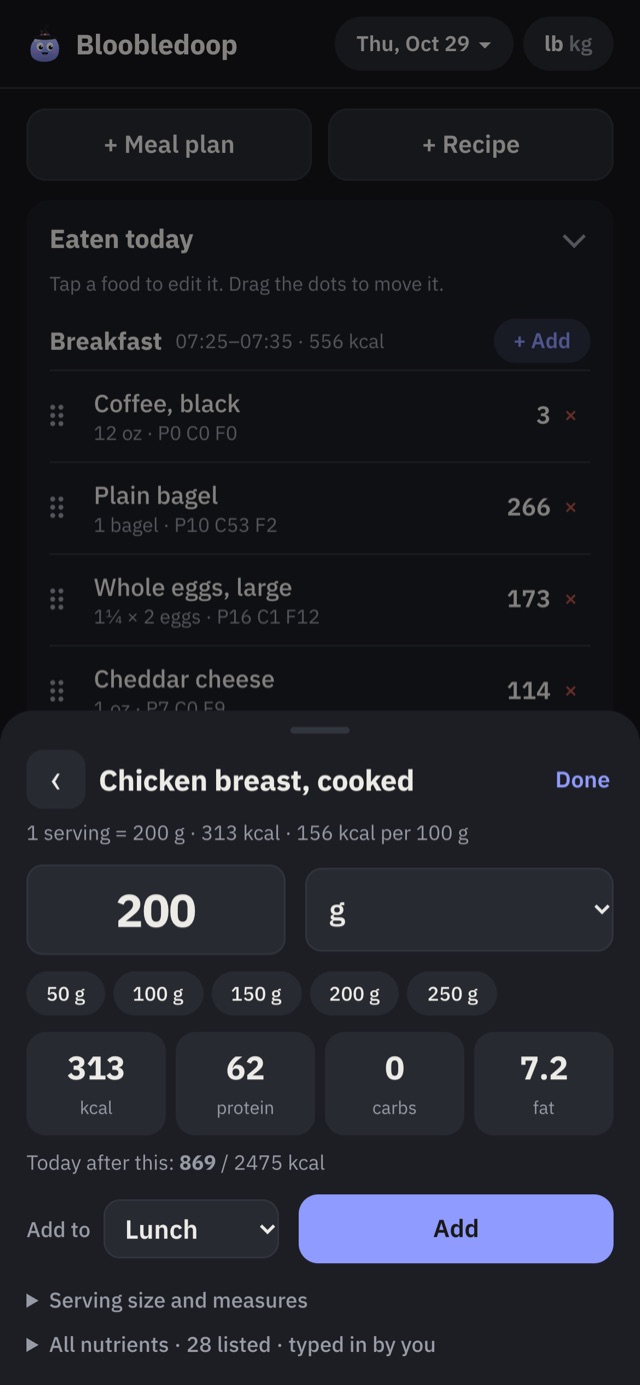
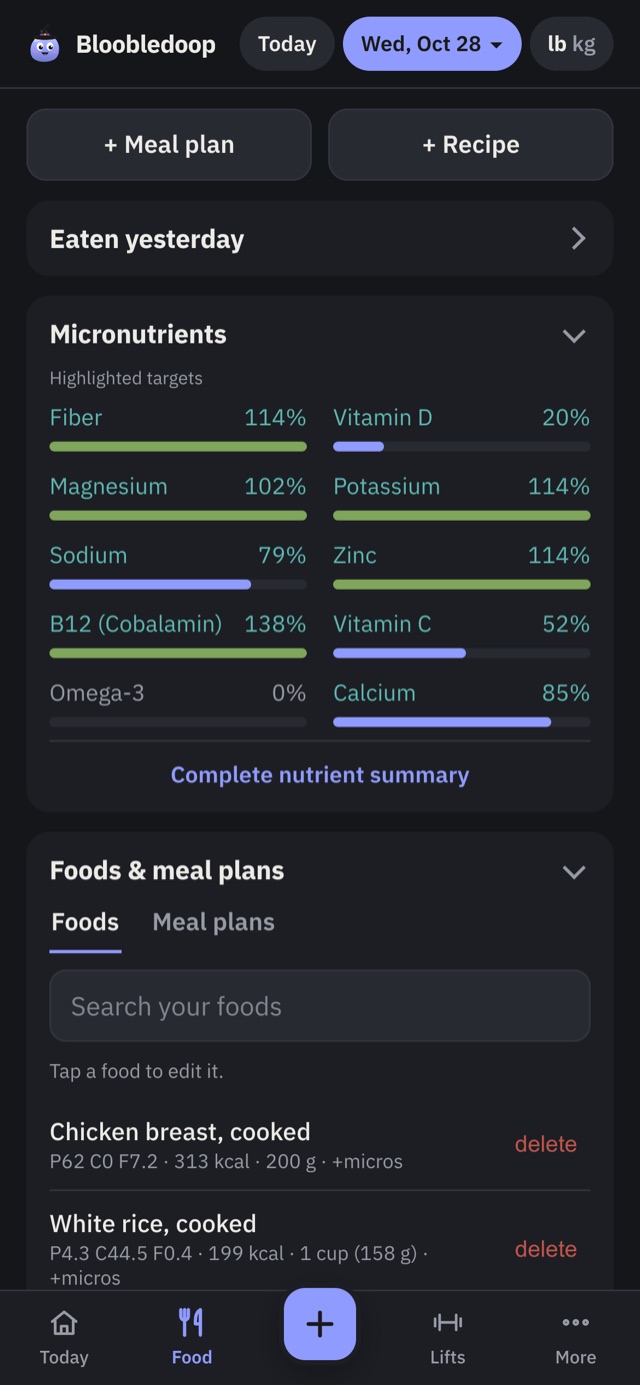
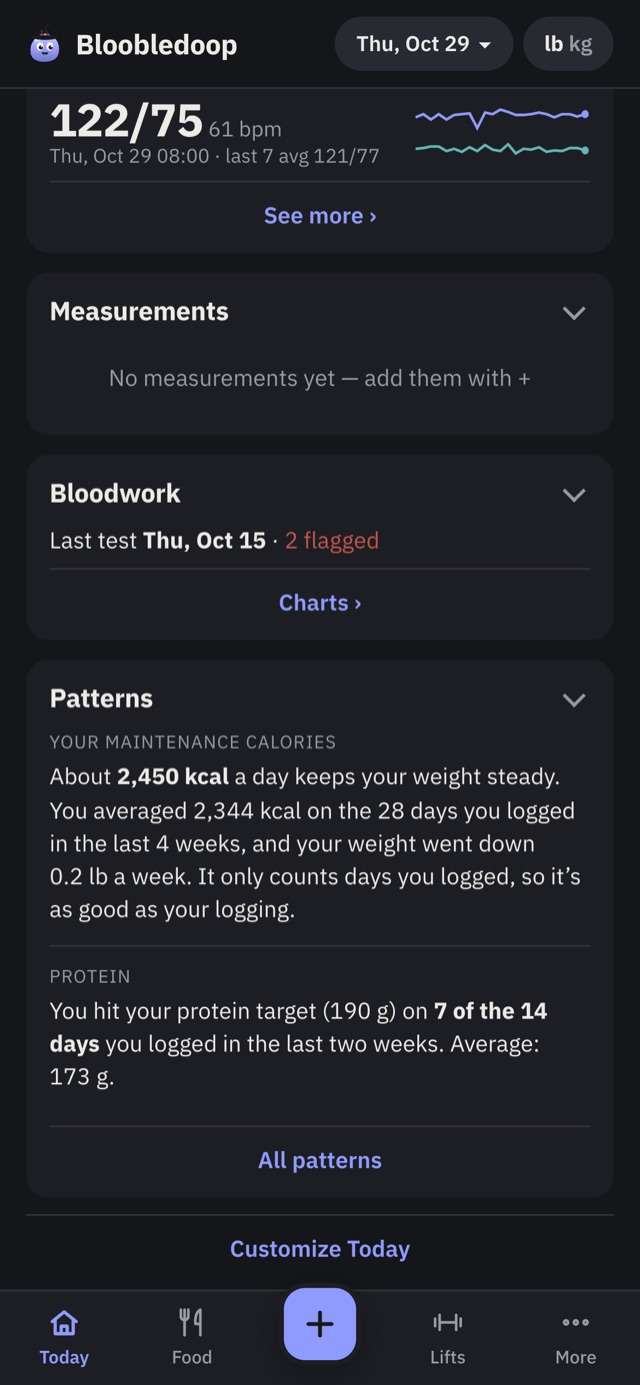
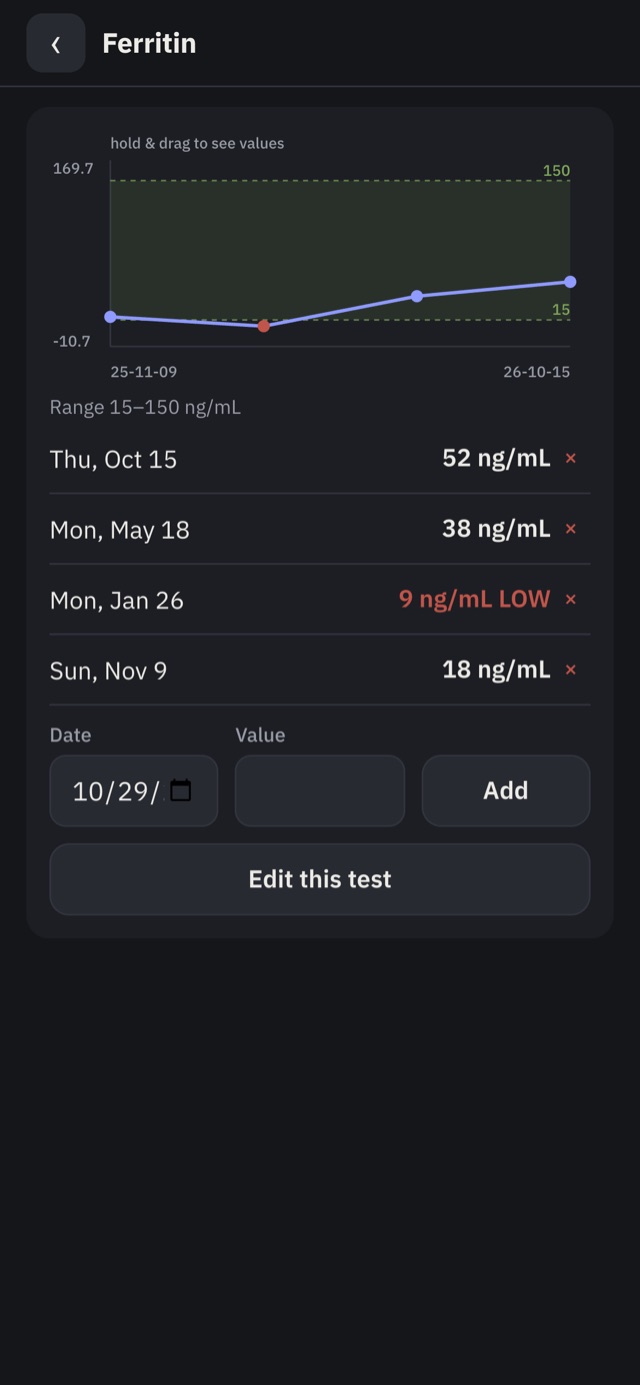
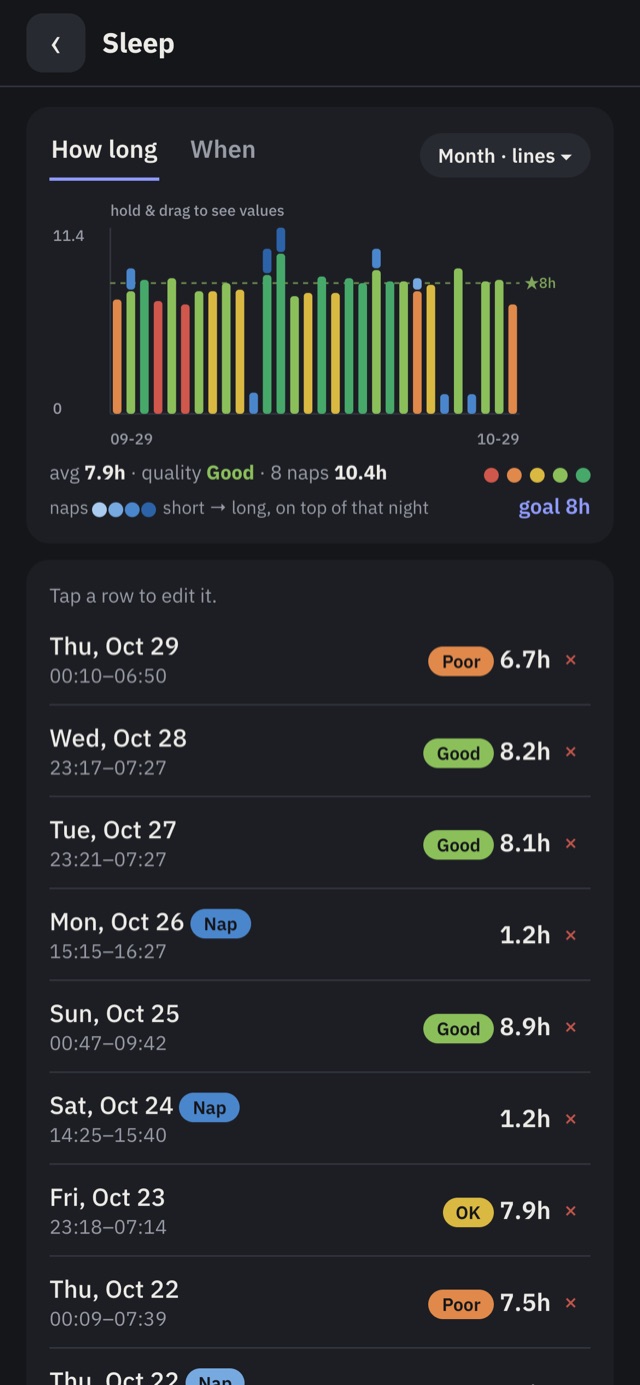
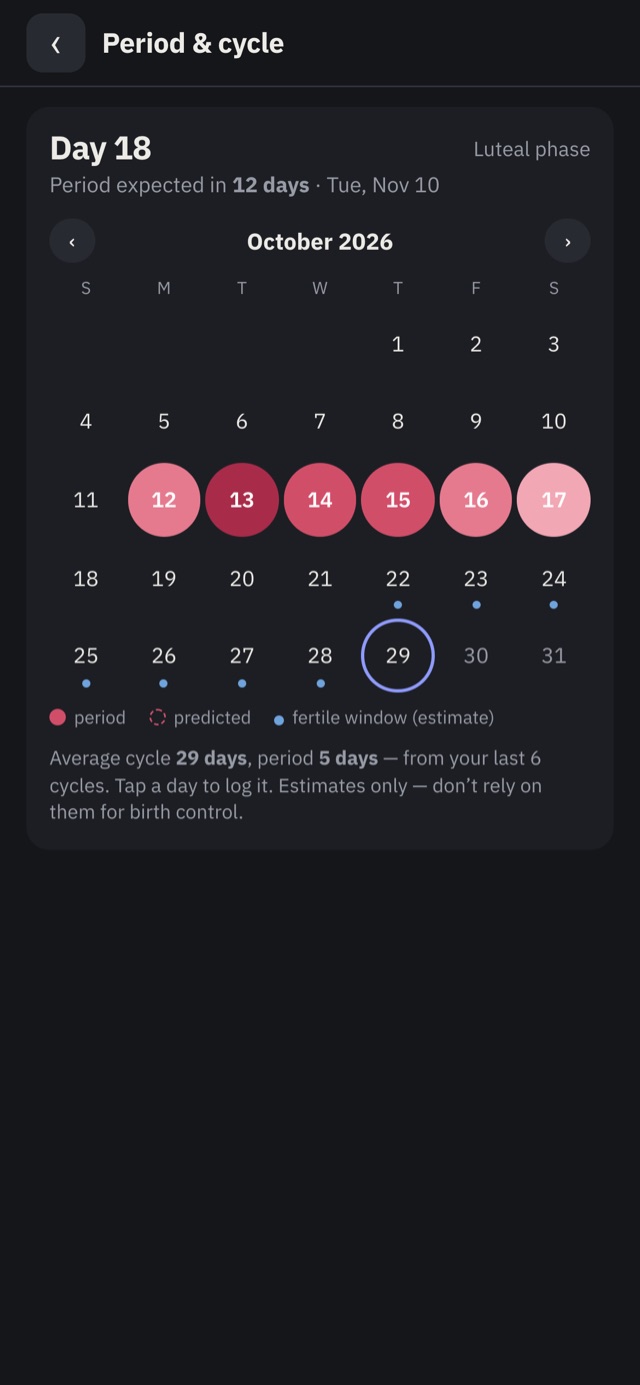
Also in there: meds and supplements, body measurements, a journal, progress photos that never leave your phone, a live link you can send your coach or doctor, and imports from Hevy, Strong, Cronometer and MyFitnessPal. Real screens, fake data.
There’s nothing to sign up for. No email, no password, no username. Want your stuff on two phones? The app makes you a code like this:
That code is the key and it never leaves your phones. My server only gets a scrambled copy it can’t open. Lose your phone and the code, and nobody can get your data back, me included. Kind of the whole point.
Every fitness app sounds like a protein bar. This one’s called Bloobledoop, the mascot is a blob named Bloob, and you’re not going to forget either of them.
Setup shows them as five short points in plain English, and the full version isn’t much longer.
No ads, no trackers, and you can export everything whenever you want. The privacy policy is short and in plain English.
Sync between phones, live share links and unlimited plans are the paid part once it’s in the App Store, and free until then. Same app whichever you pick, and never any ads.
Everything you log stays yours. Nothing gets deleted, and you can export it any time.
That’s the only email I’ll ever send you.
I’m a college student and I lift. I was paying for a workout app and a food tracker, keeping my bloodwork in a spreadsheet, and none of them talked to each other.
So I built one that does, and made sure nobody else can read what’s in it.
— the person behind Bloob
Logging, charts, imports, backups and Bloob: yes, always. Sync between phones, live share links and more than five plans are the paid part once it’s in the App Store ($6.90 a month, $69 a year or $225 once), free until then, and no ads either way. Everything you log stays yours.
Yes. Open bloobledoop.com/app in Safari, tap Share, then Add to Home Screen. It opens like an app and works with no signal. The App Store version is on the way.
Turn on sync and keep your code somewhere safe. With the code you get everything back on a new phone. Without it, nobody can, me included.
Yes: exports from Hevy, Strong, Cronometer and MyFitnessPal. In the app, go to More → Data → Import from another app. The file is read on your phone and never uploaded.
No. It’s a tracker. Ranges come from your lab, and anything to do with your health is between you and your doctor.